
- Deploy a strategy to Nyria Paper. The strategy's Deploy page: the budget per entry at its starting figure, the review on Nyria Paper, Deploy, then the new bot's page in My bots, on Nyria Paper.
Automated trading
Automated trading from your own alerts
Nyria turns trade alerts into orders in your own brokerage account. Alerts come from TradingView, TrendSpider, Discord, Telegram, AI agents and more. Paper is free. Live trading from $15 a month.

Do it yourself, without the code
Your alerts
A TradingView alert in plain text or JSON. Or a call posted in a Discord or Telegram chat you run, as written.
Your broker account
Orders go to your own account through the official API of your broker. Nyria never holds or moves the money in it.
Your rules
Each bot sets its own budget per entry. The strategy sets a trading window. Every alert is logged with what Nyria did and why.
Pick a source and a broker

TradingView alerts

TrendSpider alerts

Webhook alerts

Discord alerts

Telegram alerts
How a source posts: TrendSpider and webhooks, and AI agents (MCP). Every broker's full table is on the brokers page.
By broker

Automate TradingView alerts to Binance
Crypto spot

Automate TradingView alerts to Coinbase
Crypto spot

Automate TradingView alerts to OKX
Crypto spot

Automate TradingView alerts to MEXC
Crypto spot

Automate TradingView alerts to Schwab
Stocks and ETFs, Options up to 4 legs

Automate TradingView alerts to Alpaca
Stocks and ETFs, Options up to 4 legs, Crypto spot

Automate TradingView alerts to Webull
Beta
Beta, Stocks, Options

Automate TradingView alerts to Robinhood
Unofficial · Beta
Unofficial · Beta, Stocks, Options up to 4 legs

Automate TradingView alerts to Kraken
Crypto spot

Automate TradingView alerts to E*TRADE
Beta
Beta, Stocks, Options up to 2 legs

Automate TradingView alerts to Hyperliquid
Perpetual futures
Automate TradingView alerts to Kraken Futures
Perpetual futures

Automate TradingView alerts to tastytrade
Stocks and ETFs, Options up to 4 legs

Automate TradingView alerts to Tradier
Stocks and ETFs, Options up to 4 legs
Automate TradingView alerts to My Funded Perps
Perpetual futures, Funded account
Other alert sources
Watch the setup
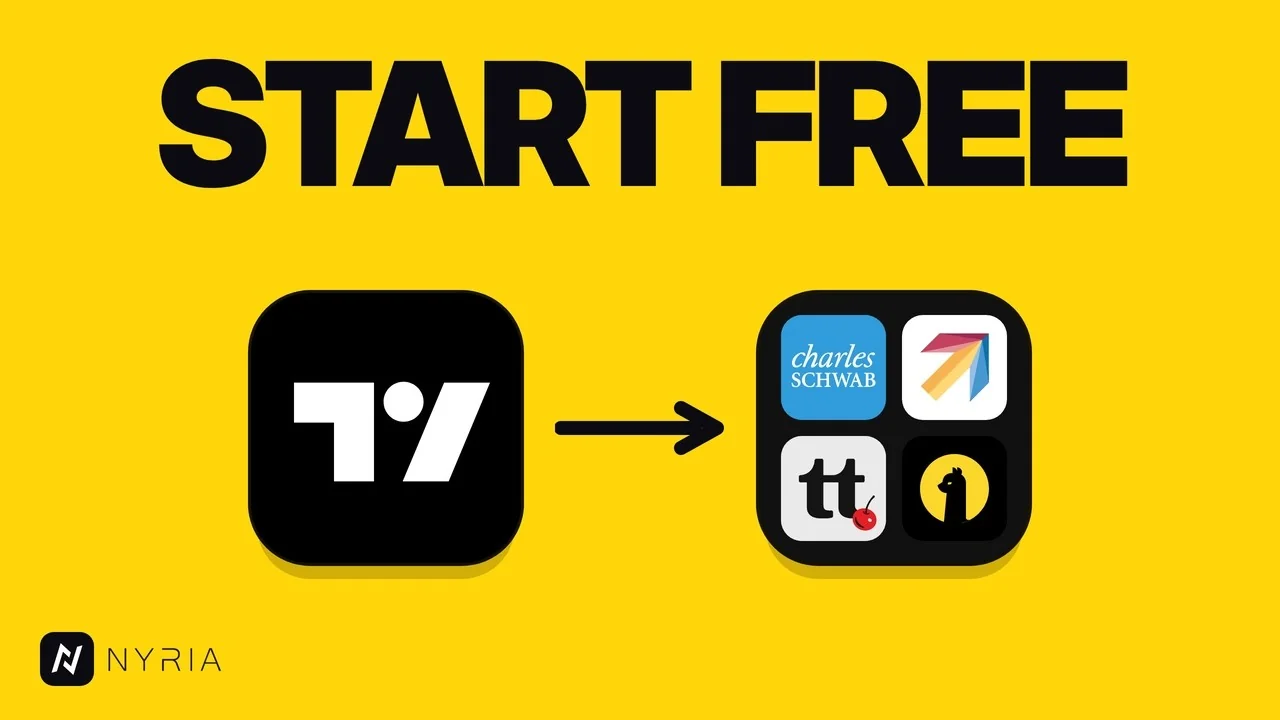
Steps in the video
- 0:00Pick Nyria Paper or a broker. Open Integrations. Nyria Paper is free and needs no broker, so start there. Charles Schwab, Tradier and tastytrade connect through their own sign-in, and Alpaca takes an API key.
- 0:58Create a strategy. Select Create strategy and name it. Then, select your alert source. This example uses TradingView. Pick stocks and a ticker, then create the draft.
- 1:28Create the alert in TradingView. Copy the webhook URL and the alert message from the Integration tab. In TradingView, select Message, paste the message and select Apply. Then select Notifications, tick Webhook URL, paste the URL and select Apply.
- 3:13Check the format. Select Check format and add an entry and an exit alert. Nyria shows the ticker, side and order it read.
- 3:32Deploy a bot. Select Deploy bot, set a budget per entry and pick an account. Nyria Paper is free, so test there first. On a live broker account, pick it on the Account step. Send a sample alert and watch the paper order fill.
What happens to one alert
- It arrives. TradingView posts it to the webhook URL of your strategy. Or Nyria reads it from the channel or chat you picked.
- Nyria reads it. Ticker, side and price. A Discord or Telegram alert can name the strike and expiry too. The strategy and the bot supply the rest.
- Every bot acts. Each bot on the strategy places its own order, at its own broker, in its own size. A paper bot can run beside a live one.
- Exits match. A close alert closes the position the bot holds. Every exit is its own alert. Your alert source sends it.
- It's logged. Each alert, what Nyria did and any refusal, with timestamps. In the strategy log and your notifications.
Questions
- What does DIY automated trading mean here?
- Your alerts, your broker account, your rules. The alert comes from TradingView, TrendSpider, an AI agent (MCP) or your own webhook. It can be a post in a Discord server or Telegram chat you run. Nyria reads it and places the order at your broker. It never holds your money or trades on its own.
- Do I need to write code?
- No. Set up the strategy in the app: alert source, what entries and exits do, a broker. Then deploy a bot with a budget per entry. A TradingView alert needs no Pine changes, just Webhook URL ticked under Notifications. Full walkthrough: nyria.io/use-cases/no-code-automated-trading.
- How does Nyria connect to my broker?
- Through the sign-in or API key the broker offers for software. Its access places and cancels orders. It can't move money. Each broker's page on nyria.io/integrations says how it connects.
- Can Nyria read alerts from X, Twitter or a newsletter?
- No. Sources: TradingView, Discord, Telegram, TrendSpider, AI agents (MCP) and anything that sends a webhook.
- How is this different from copy trading?
- Copy trading mirrors someone else's account into yours. Here the alerts are yours, or from a channel you run. Each bot sizes its own orders. Creators can also publish a strategy that other traders pay to run in their own accounts.
- What does it cost?
- Paper is free. Live trading from $15 a month. TradingView webhooks need a paid TradingView plan. Discord and Telegram are free to use.
Weighing tools first? See TradingView automation tools compared, AutoView, TradersPost, PineConnector, SignalStack.
Guides
How do I automate TradingView alerts to my broker?
The alert, the webhook URL, the message, a paper test, then live.
Read guideForward test a TradingView strategy free
Up to 10 paper bots, simulated fills, live market data.
Read guideBrokers for automated trading: what to look for
What a broker needs for a bot, then the stock and options brokers compared on fees and paper accounts.
Read guideHow do I connect Claude or ChatGPT to my broker?
Claude or ChatGPT sends the alert over MCP, and a Nyria bot places the order at your broker.
Read guideUse cases
Options traders
Single legs and spreads up to 4 legs, sent to your broker as one order.
Sell your alerts
Every paying member's bot places your alerts in their own broker account.
Discord copy trading
A server's calls become orders in each member's own account.
Telegram alerts to broker
Calls posted in a Telegram chat you run become orders at your broker.
Calls in a Discord server you run become orders too. Discord bot
Start with one alert on paper
Trade and test free on paper. No card required.