
For creators
You built it.
Now sell it.
Each alert you send trades in every member's own broker account. Members can pay through Nyria or your existing Stripe or Whop.
Trade and test free on paper. No card required.

Creator fee
A fee per member, by tier
How the fee works
Step 1
A member sizes $12,000 per entry
$12,000per entry
Step 2
That puts them on your $20K tier
$10K$20K$30K$12,000 rounds up to $20,000. You charge $350 a month for it.
Step 3
You keep $250 a month
- They pay you
- $350
- Nyria
- $100
- You keep
- $250
$50 for each $10K of the tier
Nyria bills $50 a month per member for each $10,000 of total entry allocation, rounded up to the next $10,000.
$10,000 total entry allocation
Nyria $50
You keep $149
$50,000 total entry allocation
Nyria $250
You keep $249
$100,000 total entry allocation
Nyria $500
You keep $499
$50 a month per member for each $10,000 of total entry allocation.
Examples, not typical results.
Card processing comes out of payments taken through Nyria. Selling through your own checkout needs a card on file.
- Follow a bitcoin alert from Nyria to its fill at Alpaca. Nyria's bot page and Alpaca's Orders page in one frame: an alert arrives, a bitcoin buy order shows up in Alpaca and fills, then the exit alert sells it.
- Set up a stocks strategy. A stocks strategy: the long and the short entry set to enter a position at market, exits set to close at market, then the review of what each alert does.
- Create a strategy with Discord as its alert source. My strategies, then Create strategy: a strategy name typed in, Discord picked as its alert source and a channel in a server you run chosen, then Next to what it trades, where Stocks is picked.
- Deploy a strategy to Nyria Paper. The strategy's Deploy page: the budget per entry at its starting figure, the review on Nyria Paper, Deploy, then the new bot's page in My bots, on Nyria Paper.
- Price a strategy for members. Manage pricing, Product and price: $199 a month, total entry allocation raised from $10,000 to $20,000 (billed as $20,000, $100 a month per member) as the per-member margin updates, then the Review: you pay Nyria $100 per member a month.
How it works
Your strategy, in every member's account
Step 01 of 05
Build the strategy
Stocks, ETFs, crypto spot and options up to 4 legs on one expiration. Define entries and exits once.
After that, “BTO SPY call spread bullish” in your channel places the trade.

Step 02 of 05
Point it at your alerts
Alerts from TradingView, Discord, Telegram and more. Your own wording, no fixed template.

Step 03 of 05
Set a price for each tier
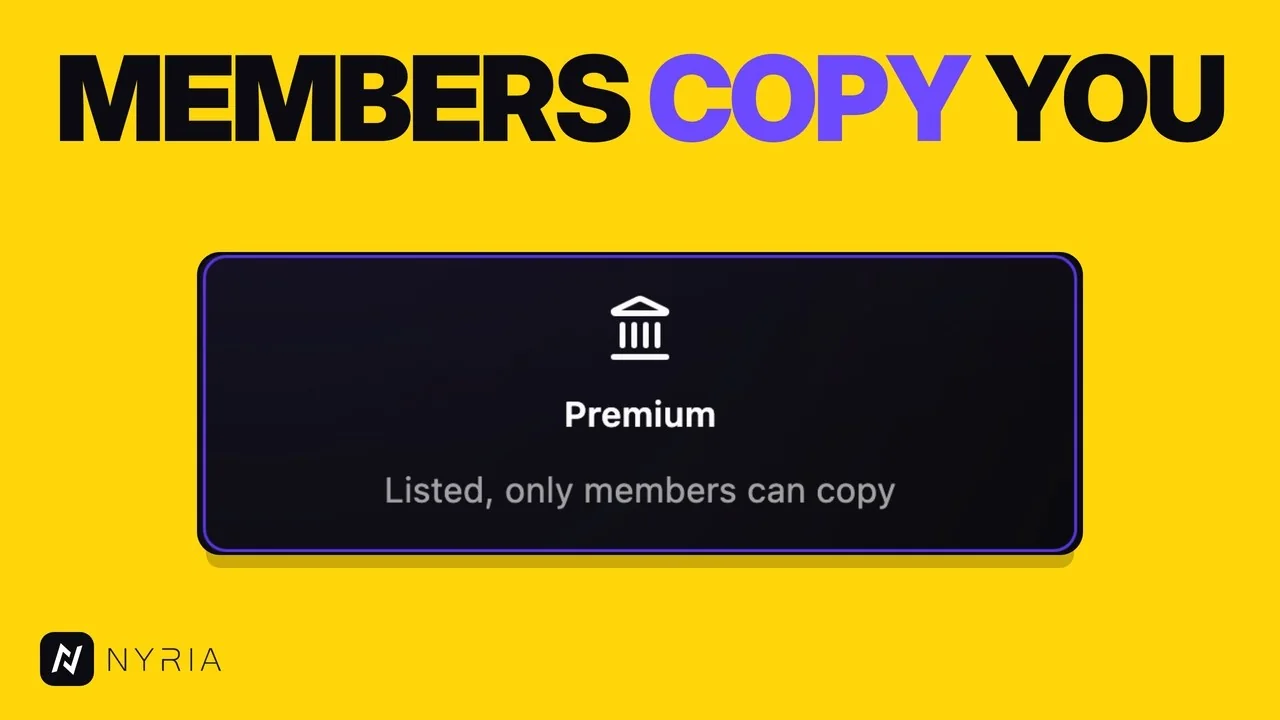
Make it Premium, and only members who paid you can run it. Sell through Nyria's checkout or a Whop or Stripe product you already sell.
Step 04 of 05
Members run it in their own broker
Each member deploys a bot on your strategy, on Nyria Paper first, then in their own broker account.
A member can split their allocation across several accounts.

Step 05 of 05
Get paid
Watch the setup
Steps in the video
- 0:00Start with a strategy. Open the strategy you want to sell on its page.
- 0:22Choose who can copy it. Set Who can copy it to Premium, so only members can copy the strategy.
- 1:27Set a price. Select Sell through Nyria, then set the total entry allocation and the monthly price. The editor shows what you keep.
- 1:56Set up payouts. Select Set up payouts, pick your country and finish on Stripe's site.
- 2:06Share it with members. Copy the strategy's public page link and send it to your members.
What one alert does
One alert across 9 accounts
| Broker | Quantity | Account | Result |
|---|---|---|---|
| Nyria Paper | 200 | Paper | Filled |
| Nyria Paper | 20 | Paper | Filled |
| Alpaca | 20 | Paper | Filled |
| Tradier | 10 | Live | Filled |
| Tradier | 6 | Live | Filled |
| Schwab | 6 | Live | Filled |
| Schwab | 3 | Live | Rejected |
| Schwab | 12 | Live | Filled |
| Tradier | 20 | Paper | Filled |
Each trade, posted to Discord
Nyria posts it to a Discord server you run.
FAQ
Questions
What does Nyria charge me?
$50 a month per member for each $10,000 of total entry allocation their tier allows, while their paid access is active. You're billed for a member once they claim access in Nyria. Tiers round up to the next $10,000: a tier that allows $11,000 bills as $20,000, $100 a month. Through Nyria's checkout, the same fee comes out of each payment instead.
How do my members pay me?
Through Nyria's checkout, or on the Whop or Stripe account you already use. On your own checkout, you link a product to a tier, and a member who holds it gets the strategy at that tier.
Do I need my own Stripe or Whop?
No. Sell through Nyria, and it takes the payments and pays you out through Stripe. If you already sell through Stripe or Whop, keep it.
How do payouts work?
After your first sale, set up payouts with Stripe: your name, your bank and a few identity details. Each payment's share goes to your Stripe account, and Stripe pays it out to your bank.
Do my members need their own Nyria plan?
No. A member with active paid access to your strategy can run a live bot on their own broker without a Nyria plan of their own. The tier you sold them caps their total entry allocation on your strategy.
Can I keep my Discord and my existing group?
Yes. You publish the same way you do now. Nyria reads the alerts you already send and places the orders for members who bought access.
What are the limits on options and crypto?
Every option leg trades the same quantity. When your rules pick the contract, it sits 0 to 31 trading days out. A contract your alert names can be any listed expiration. Crypto perpetuals currently trade on Nyria Paper only.
Who sees my trades?
Live alerts and open positions go only to members. Closed trades show on your public strategy page as your track record. Your alert text itself is never published or resold.
What do I keep?
Your price times your members, minus $50 a month per member for each $10,000 of total entry allocation their tier allows.
Questions about tiers or billing: contact@nyria.io
Posting alerts in a Discord or Telegram room: sell trading signals
Calls posted in Discord: Discord options alerts to broker orders
Selling a TradingView strategy: show its backtest on the strategy page
Already selling through Whop: trade your calls automatically
Sell the alerts you already post
Trade and test free on paper. No card required.