
- Set up a stocks strategy. A stocks strategy: the long and the short entry set to enter a position at market, exits set to close at market, then the review of what each alert does.
Strategy builder
No-code automated trading, in five fields
Five plain fields set the rule. Run it on paper, then connect a broker.
Trade and test free on paper. No card required.

Inside the builder
Alert source
Pick where alerts come from: TradingView, Discord, Telegram, TrendSpider, an AI agent (MCP) or a custom webhook. Each one is read as it already arrives.
Entry rule
Name the entry in plain language: the ticker and side you already use.
Exit rule
Say what closes the position. The same alert source sends the exit.
Broker
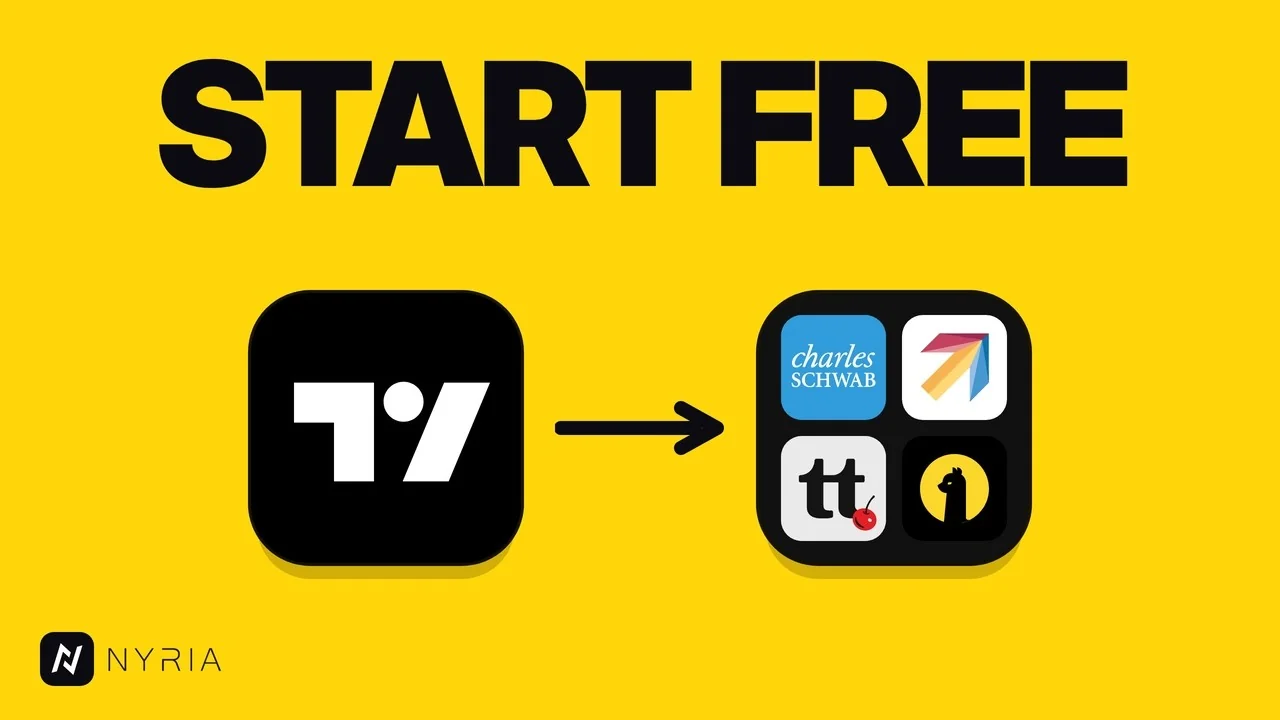
Connect Charles Schwab, Alpaca, tastytrade or Tradier. Or skip it and run on Nyria Paper, which needs no broker.
Budget per entry
Set the budget for each entry. It's the one sizing field a bot needs before it can run.
No scripting
A TradingView alert only needs Webhook URL selected under its Notifications. The script behind it doesn't change. A Discord or Telegram alert is read in the words the channel already uses.
Setting it up, start to finish
- 1Pick an alert source: TradingView, Discord, Telegram, TrendSpider, an AI agent (MCP) or a custom webhook.
- 2Write the entry rule and the exit rule in the plain fields. No code.
- 3Connect a broker, Charles Schwab, Alpaca, tastytrade or Tradier, or stay on Nyria Paper.
- 4Set a budget per entry.
- 5Deploy the bot and watch it on paper before any live money moves.
Each alert source has a walkthrough on the alert pages. Each broker has a guide on the integrations pages. Pick your source and broker to see the pair.
Watch the setup
Steps in the video
- 0:00Pick Nyria Paper or a broker. Open Integrations. Nyria Paper is free and needs no broker, so start there. Charles Schwab, Tradier and tastytrade connect through their own sign-in, and Alpaca takes an API key.
- 0:58Create a strategy. Select Create strategy and name it. Then, select your alert source. This example uses TradingView. Pick stocks and a ticker, then create the draft.
- 1:28Create the alert in TradingView. Copy the webhook URL and the alert message from the Integration tab. In TradingView, select Message, paste the message and select Apply. Then select Notifications, tick Webhook URL, paste the URL and select Apply.
- 3:13Check the format. Select Check format and add an entry and an exit alert. Nyria shows the ticker, side and order it read.
- 3:32Deploy a bot. Select Deploy bot, set a budget per entry and pick an account. Nyria Paper is free, so test there first. On a live broker account, pick it on the Account step. Send a sample alert and watch the paper order fill.
Where alerts come from

TradingView
A webhook in your alert

Discord
A channel in a server you run

Telegram
A group or channel you run
TrendSpider and any custom webhook post the way TradingView does. See the TrendSpider page and the webhook page.
Where a live bot trades
Binance, Coinbase, OKX, MEXC, Charles Schwab, Alpaca, Kraken, Hyperliquid, Kraken Futures, tastytrade, Tradier and My Funded Perps. More brokers connect in beta. Every bot can also run on Nyria Paper, which is free and needs no broker.
Brokers side by side
| Feature | Schwab | Alpaca | tastytrade | Tradier |
|---|---|---|---|---|
| Stocks and ETFs | Yes | Yes | Yes | Yes |
| Options, up to 4 legs | Yes | Yes | Yes | Yes |
| Order types | Market and limit | Market and limit | Market and limit | Market and limit |
| Paper account on Nyria | Nyria Paper only | Alpaca paper keys, separate from live | Nyria Paper only | Tradier Sandbox |
| How it connects | Schwab sign-in, renewed every 7 days | API key and secret | tastytrade sign-in | Tradier sign-in |
Use cases
Questions
- Do I need to know how to code?
- No. The builder uses five plain fields: alert source, entry rule, exit rule, broker and budget per entry. Nothing asks for Pine, Python or any scripting language.
- What if my alerts come from TradingView?
- Open Notifications on that alert, tick Webhook URL, paste the strategy's URL and select Apply. The script behind the alert doesn't change.
- Can I try it before connecting a real broker?
- Yes. Nyria Paper is free, has no time limit and runs up to 10 paper bots. No broker needed.
- Which brokers can a live bot use?
- Charles Schwab, Alpaca, tastytrade or Tradier. Nyria Paper needs none of them.
- Who decides what the strategy trades?
- You do. The entry and exit rules are yours. Nyria places the order a rule describes and never picks a trade on its own.
- What does live trading cost?
- Paper is free. Live trading from $15 a month.
Build a no-code strategy
Trade and test free on paper. No card, no code.