
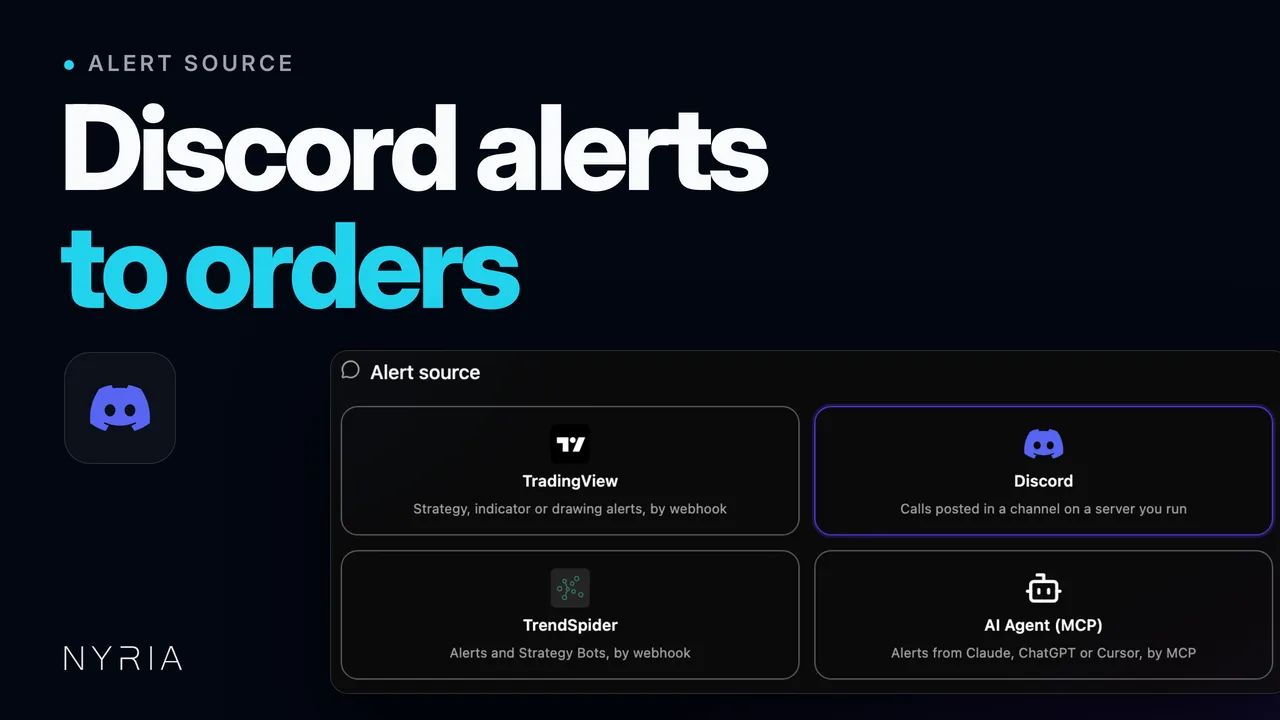
- Create a strategy with Discord as its alert source. My strategies, then Create strategy: a strategy name typed in, Discord picked as its alert source and a channel in a server you run chosen, then Next to what it trades, where Stocks is picked.
Discord bot
A call drops.
Your bot trades.
Invite the Nyria bot to a Discord server you run. It reads the channel, your bots place the orders.
Trade and test free on paper, forever. No card required.


Connect a channel
Point a strategy at one channel. Narrow it by author or keyword.
Manage from Discord
Your bots, orders and a pause button, with /nyria commands.
Fills post to Discord
Your fills, refusals and pauses post to a channel you pick.
Your Nyria account, from Discord
- /nyria link
- Connect your Discord to your Nyria account.
- /nyria setup
- Start a draft strategy on a channel. Finish it in the app.
- /nyria strategies
- Your strategies, with status, source and last alert.
- /nyria bots
- Your bots, with state, broker and last fill.
- /nyria orders
- Your latest orders, all of them or one strategy's.
- /nyria pause
- Pause a bot. It warns you about open trades first.
- /nyria resume
- Resume a paused paper bot. Live bots resume in the app.
- /nyria find
- Search public strategies.
- /nyria notify
- Pick a channel for your fills, refusals and pauses.
- /nyria help
- The command list, with a link to open Nyria.
Replies are private to you. No command places an order.
What the bot reads
- Embeds: title, description and fields.
- Quoted tweets.
- Plain text, in the caller's own words.
- Stocks, options and crypto.
- One channel per strategy, narrowed by author or keyword.
- You check the format against real past messages before anything trades.
How it works
- 1
Invite the bot
Add it to a Discord server you run. You'll need Manage Server.
- 2
Pick the channel
Choose the channel to read, then filter by author or keyword.
- 3
Check the format
Assign a past message to each alert type you use.
- 4
Deploy a bot
Set a budget per entry and start on Nyria Paper.
Watch the setup
Steps in the video
- 0:00Connect Discord. Open Integrations and select Connect Discord. Approve it so Nyria can see your servers.
- 0:12Create a strategy. In My strategies, select Create strategy. Name it, then pick Discord as the alert source.
- 0:23Pick the channel. If the Nyria bot isn't in your server yet, select Add server. Pick the server, then the channel your alerts are posted in. Nyria reads that one channel and nothing else. If several people post there, add an author filter, or a keyword every alert carries.
- 0:48Choose what it trades. Choose your equity type and enter the instruments you want to send alerts for. Review it, then select Create draft.
- 1:11Check the format. On the Integration tab, assign a real channel message to each trade type. Select Check format to see what Nyria read: the ticker, the side and the action.
- 1:38Deploy a bot. Select Deploy a bot and set a budget per entry. Nyria Paper is free, so test there first. Post an alert in the channel and watch the order fill. When orders match your calls, deploy on your live broker.
Run an alert service?
- Publish your calls as a Nyria strategy.
- Members deploy it in their own broker accounts.
Permissions it asks for
- View Channels, to see the channel you point a strategy at.
- Send Messages, to post your fills, refusals and pauses where you choose.
- Embed Links, so those posts render as cards.
- Read Message History, to show past messages when you check the format.
It posts nothing into a channel it reads.
What it costs
Paper is free. Live trading from $15 a month.
Discord alerts trade free on Nyria Paper. A live account needs Pro.
Questions
Can it read a Discord I only belong to?
No, it joins servers you run. If the owner publishes the calls as a Nyria strategy, you deploy that in your own account.
Does the bot post in my alert channel?
No, it reads that channel and posts nothing there. Your fills go to a separate channel you pick.
What does it read from a call?
The ticker, the side and, for options, the contract. Size comes from the budget per entry on each bot.
Does it read threads, DMs or screenshots?
No. It reads messages posted in the channel: embeds, quoted tweets and plain text.
Which accounts can it trade on?
Nyria Paper, free. Live on Charles Schwab, Tradier, tastytrade and Alpaca.
Can a slash command place an order?
No. Commands show your bots and orders and pause them; every order comes from an alert.
Can I set it up from Discord?
Yes. /nyria setup starts a draft strategy on a channel, and you finish it in the app.
What does it cost?
Paper is free. Live trading from $15 a month.
Start with one channel
Invite the bot, pick a channel, trade it on paper first.