
Guide
Auto-trade your Discord alerts
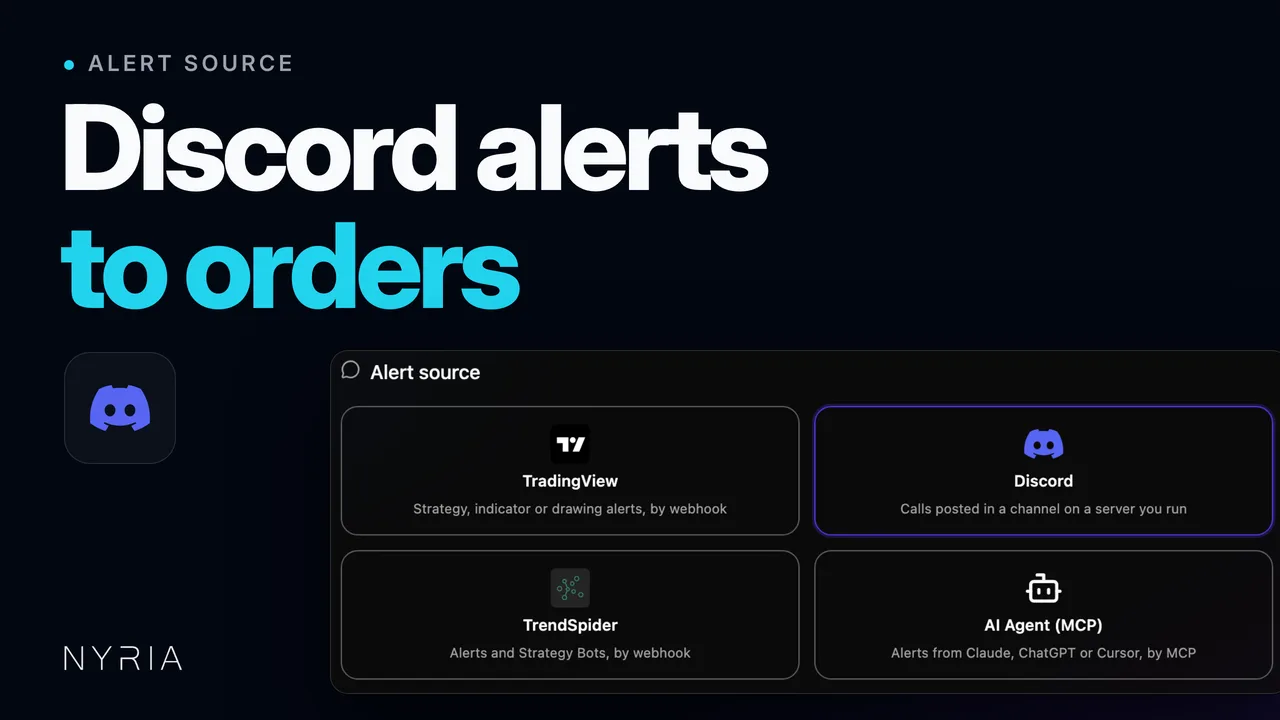
Nyria auto-trades the calls posted in a Discord server you run. Invite the Nyria bot, and each call in the channel becomes an order in your own broker account, sized by the Budget per entry you set. Nyria cannot read a server you only belong to, so a paid room works when you run it or when its caller publishes the calls as a strategy you subscribe to.
Watch the setup
Steps in the video
- 0:00Connect Discord. Open Integrations and select Connect Discord. It links your account, and Nyria asks Discord only for your identity and server list.
- 0:12Create a strategy. In My strategies, select Create strategy. Name it, then pick Discord as the alert source.
- 0:23Pick the channel. If the Nyria bot isn't in your server yet, select Add server. Pick the server, then the channel your alerts are posted in. Nyria reads that one channel and nothing else. If several people post there, add an author filter, or a keyword every alert carries.
- 0:48Choose what it trades. Choose your equity type and enter the instruments you want to send alerts for. Review it, then select Create draft.
- 1:11Check the format. On the Integration tab, assign a real channel message to each trade type. Select Check format to see what Nyria read: the ticker, the side and the action.
- 1:38Deploy a bot. Select Deploy a bot and set a budget per entry. Nyria Paper is free, so test there first. Post an alert in the channel and watch the order fill. When orders match your calls, deploy on your live broker.
How a call becomes an order
- 1
You run the server
Invite the Nyria bot to a Discord server you run, or add it to a Telegram group you run as an admin that only reads. Pick the channel, add an author filter so only the caller's posts count, and deploy a bot on your broker account. Each call the caller posts is read and placed as an order in your account.
- 2
Someone else runs it
Nyria cannot read a server or group you only belong to. If the caller publishes the calls as a strategy on Nyria, you subscribe and deploy a bot on that strategy in your own broker account. If the caller has not, ask them to. A group you merely follow is not a source.
The full setup, from the invite to a live bot, is in the Discord step-by-step guide and the Telegram one.
What the caller's message needs
Nyria reads the call the way the caller already writes it, a plain sentence or structured notation.
- The ticker and the side: buy or sell, long or short, open or close.
- For a specific option, the strike, the expiry and call or put.
- Or leave the contract out and the strategy's own rules pick the expiration, 0 to 31 trading days out. A Discord or Telegram call with no date takes the nearest listed expiration, which can be today's, so a 0DTE call without a date trades 0DTE.
A plain sentence
long SPY here
Structured notation
BTO AAPL 345c 11/20 @ 12.50
A spread is set on the strategy, up to 4 legs on one expiration, and goes out as one order. Editing or deleting a message after it trades does not change the order already placed.
Your fill, not the caller's
The caller posts after their own order, so their price has already printed when you see it. Your order is a separate one, placed after the call is read, at the market or limit the strategy sets. On a 0DTE contract with a wide bid and ask, the gap can be large, and a limit order can go unfilled. Run the bot on paper for a few weeks and compare its fills with the prices the caller posts before you size up. The log timestamps every alert, so the gap can be measured.
Exits work the same way. A position closes only when a message reads as an exit. If the caller closes in words Nyria does not read, or says nothing, the position stays open, so keep your broker app in view.
Risk controls you set yourself
- Budget per entry. Each bot sizes every order from its own budget, not from the caller's size.
- Trading window. Entries outside the hours you set are ignored. Exit alerts still go through.
- Author and keyword filters. Only the caller's posts, or only messages with your keyword, can trade.
- Pause. A paused bot ignores every alert, exits included, and what it holds stays open at your broker.
If you are the caller
Members who copy your calls by hand are slow and inconsistent. You can sell the same calls as a strategy on Nyria instead: each subscriber deploys a bot in their own broker account, at a budget per entry they set, and nothing is mirrored from another account. See how creators sell on Nyria.
Brokers and assets
Orders go to Charles Schwab, Alpaca, tastytrade or Tradier: stocks and options up to 4 legs, plus crypto spot at Binance, Coinbase, OKX, MEXC, Alpaca and Kraken. Nyria does not place exchange futures or forex orders and does not connect to Interactive Brokers.
Questions
- How do I automate Discord options alerts?
- Invite the Nyria bot to a Discord server you run, pick the alerts channel and deploy a bot on an options strategy. A call such as BTO AAPL 345c 11/20 @ 12.50 becomes an option order, and spreads go out as one order of up to 4 legs. In a room you only belong to, the caller has to publish the calls as a Nyria strategy.
- Can I connect a paid server I do not run?
- No. Nyria reads channels in servers and groups you run. If the caller publishes the calls as a Nyria strategy, you can subscribe to it instead.
- Does the same work for Telegram?
- Yes. Add Nyria to a group or channel you run as an admin that only reads, pick the chat, and the same filters apply.
- Will my order match the caller's?
- Not exactly. Your order is a separate order placed after the call posts, at the market or limit the strategy sets. Test on paper and compare your fills with the prices the caller posts.
Discord alerts, by broker





Guides
What tool turns trading alerts into broker orders?
What an alert is, three ways to automate it, and what to check before you trust it.
Read guideHow to automate options alerts
Single legs and spreads up to 4 legs, from any alert source to your broker.
Read guideDiscord trading bot that places orders
A bot that reads a channel you run and places each alert at your own broker; what a post needs, paper first.
Read guideOptions alerts on Discord
Six checks before you pay for an alert service. Grade it on paper first.
Read guideTest a Discord alert on paper
No card required. Paper is free. Live trading from $15 a month.