
Guide
Options alerts on Discord
A usable options alert names the ticker, side, strike, expiry and fill price. It's time-stamped, and the exit is posted the same way. Most rooms post a ticker and a feeling. Read a week of the channel first. Run it through the six checks below. Then grade it free on a paper bot before any order reaches your broker.
Watch the setup
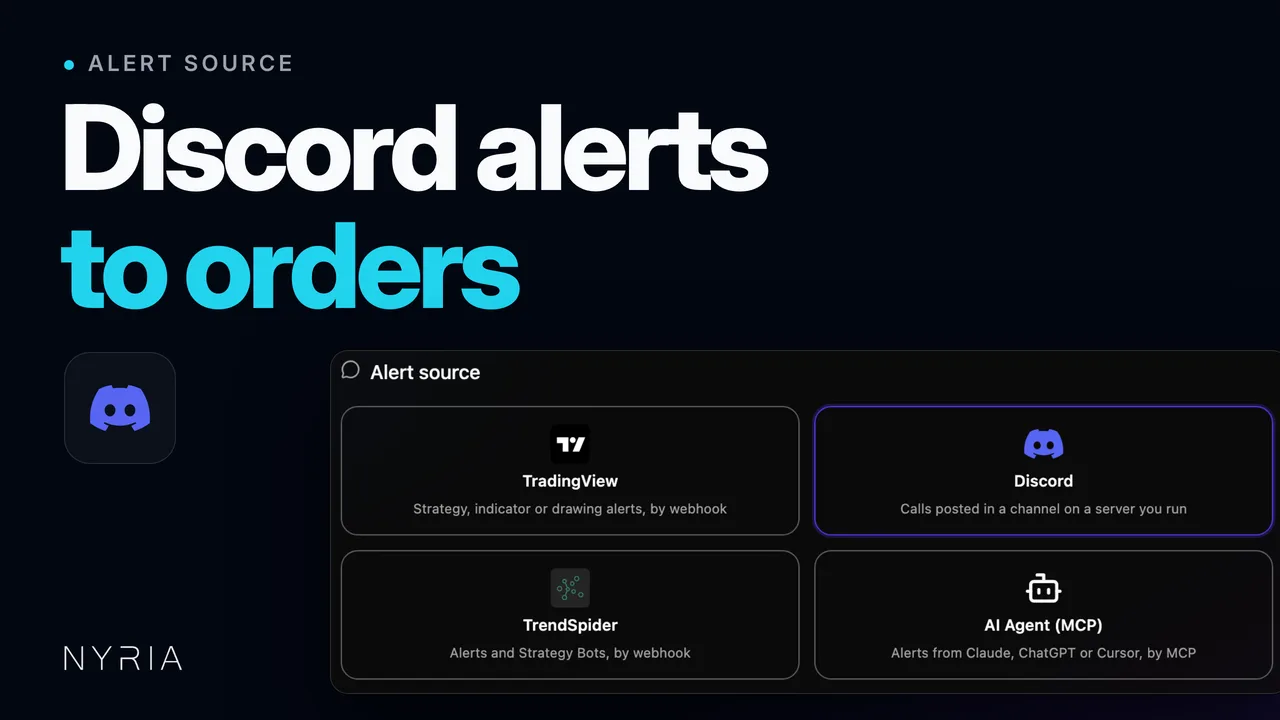
Steps in the video
- 0:00Connect Discord. Open Integrations and select Connect Discord. It links your account, and Nyria asks Discord only for your identity and server list.
- 0:12Create a strategy. In My strategies, select Create strategy. Name it, then pick Discord as the alert source.
- 0:23Pick the channel. If the Nyria bot isn't in your server yet, select Add server. Pick the server, then the channel your alerts are posted in. Nyria reads that one channel and nothing else. If several people post there, add an author filter, or a keyword every alert carries.
- 0:48Choose what it trades. Choose your equity type and enter the instruments you want to send alerts for. Review it, then select Create draft.
- 1:11Check the format. On the Integration tab, assign a real channel message to each trade type. Select Check format to see what Nyria read: the ticker, the side and the action.
- 1:38Deploy a bot. Select Deploy a bot and set a budget per entry. Nyria Paper is free, so test there first. Post an alert in the channel and watch the order fill. When orders match your calls, deploy on your live broker.
Six checks before you pay
- 1
Every call names the contract
Ticker, side, strike, expiry, call or put, and the price the caller got. A post that says "loading SPY calls" is commentary, not an alert. If the room cannot show you a week of posts that all carry the same fields, you will be guessing at half the trades.
- 2
Exits are posted, not implied
Ask to see the exits. A room that posts entries and lets you find your own way out is only half a service, and the half you cannot grade. Partial exits and "trimmed here" count if they are posted every time.
- 3
Posts are time-stamped
The caller fills first, then types. Discord stamps every message, so compare the caller's posted price with where the contract was trading at the stamp. A gap of seconds is normal. A gap of minutes, on a 0DTE contract, is the whole edge.
- 4
One channel, one caller, one format
Alerts in a channel of their own, from one author, in one notation. A room where calls, chat and screenshots share a channel is slower to read by eye and harder for anything else to read at all.
- 5
The posts are the record
A screenshot of a month's P&L is not a record. Scroll the channel yourself, count the entries, match each with its exit, and note the ones with no exit. The channel history is the only track record you can audit.
- 6
Calls reach your broker unattended
Ask whether the caller publishes the calls as a Nyria strategy. If so, you subscribe and deploy a bot in your own broker account at a budget you set. If not, you will be typing orders by hand after every post, which is the delay you were paying to remove.
What a usable alert looks like
The notation does not matter. The fields do. Nyria reads both of these; so can you, at a glance.
Entry, structured
BTO SPY 775c 10/23 @ 1.85
Exit, structured
STC SPY 775c 10/23 @ 2.40
Exit, plain sentence
out of SPY calls here
A call with no expiry takes the nearest listed expiration, which can be today's. If the caller leaves the date off a 0DTE call, that is what it is. Editing or deleting a post after it trades does not undo the order.
How the calls reach your broker
- 1
The caller publishes on Nyria
Subscribe to the strategy, deploy a bot on it, and pick the account: Nyria Paper first, your broker later. Each call the caller posts is read and placed as an order in your account, sized from your own budget per entry.
- 2
You run the server
Link Discord under Integrations, invite the Nyria bot to a server you run, create a strategy with Discord as the alert source, and pick the channel. Add an author filter so only the caller's posts count. The same works for a Telegram group you run.
The full setup, from the invite to a live bot, is in the Discord step-by-step guide, or the docs guide screen by screen from inside the product. See how your fill compares with the caller's. For Telegram, read what an options alert needs to say.
Run your own alert channel
You don't need a paid room to automate. Make a channel in a server you run. Post your calls there in one notation. Invite the Nyria bot and create a strategy with Discord as the alert source. Pick the channel, and add an author filter to keep chat out. Each post you make becomes an order in the account you chose. Start it on Nyria Paper. A Telegram group you run works the same way.
Grade it on paper first
Deploy the strategy on Nyria Paper and let the caller's real posts fire for two or three weeks. The bot's Logs tab stamps every alert and every order, so for each call you can hold three numbers side by side: the price the caller posted, the time the post arrived, and the price the paper bot filled at. If the fills track the posts, the service is what it says. If they do not, you found out for free.
Count the exits too. A position closes only when a message reads as an exit. Calls the caller never closed in writing stay open in the paper account, and they would stay open at your broker.
Brokers and assets
Orders go to Charles Schwab, Alpaca, tastytrade or Tradier: stocks, options up to 4 legs, and crypto spot at Binance, Coinbase, OKX, MEXC, Alpaca and Kraken. Nyria does not place exchange futures or forex orders and does not connect to Interactive Brokers.
Questions
- What makes an options alert usable?
- The call is posted within seconds of the caller's fill, carries the full contract and price, and the exit is posted the same way. Anything slower or vaguer is a trade idea, not an alert you can act on at the same price.
- Can Nyria read a paid Discord I only belong to?
- No. Nyria reads channels in servers you run. If the caller publishes the calls as a Nyria strategy, you subscribe to it and your bot trades in your own broker account.
- Are 0DTE alerts worth automating?
- Only after you have measured the gap. 0DTE contracts move fast and the spread can be wide, so a post a minute old can be a different trade. Run the alerts on a paper bot and compare its fills with the prices the caller posted before you put money behind them.
- Can I automate a Discord alert to my broker?
- Yes. Deploy a bot on the caller's Nyria strategy. Or point Nyria at a channel in a server you run. Each post becomes an order in your own account. Alert to order, sub-second. The setup is in the Discord step-by-step guide.
- Is a Discord options alert service legit?
- The channel history tells you. Count a month of entries and match each to a posted exit. Compare each posted price with the stamp. Then run it on Nyria Paper for two weeks and hold fills against posts. A room that won't show its history has answered the question.
- What does it cost to grade a service on paper?
- Nothing. Paper is free. Live trading from $15 a month. Orders go to the brokers on the integrations page. The guide to evaluating an options alert service covers the whole decision.
Discord alerts, by broker





Guides
Evaluate an options alert service
The five fields a call needs, a free paper test instead of a screenshot, post timing, red flags, then live.
Read guideAutomate Discord options alerts
Pick a channel you run, filter by author or keyword, validate, then go live.
Read guideAuto-trade your Discord alerts
Turns alerts from a Discord server you run into orders at your broker.
Read guideGrade the service on paper
No card required. Paper is free. Live trading from $15 a month.