
Guide
Are TradingView webhook alerts free?
Only partly. TradingView sends webhooks on its paid plans only, with two-factor sign-in on, so the sending side is not free. The receiving side is: Nyria Paper is a simulated broker with up to 10 paper bots, simulated fills on live market data, no card and no time limit. Live trading at your own broker is from $15 a month. A call you post by hand in a Discord server or Telegram chat you run needs no TradingView plan at all.
Official documentation
Receive webhook alerts for free
- 1
Create a Nyria account
Sign up for free. Nyria Paper needs no card and no broker.
- 2
Create a TradingView strategy
Select Create strategy, pick TradingView as the alert source and copy the webhook URL from the Integration tab.
- 3
Send the alert from TradingView
On a paid TradingView plan with two-factor sign-in on, open the alert's Notifications, tick Webhook URL, paste the URL and select Apply.
- 4
Deploy a bot on Nyria Paper
Select Deploy bot, choose Nyria Paper and set a Budget per entry. Each alert becomes a simulated order, listed on the Logs tab beside the alert behind it.
Watch the setup
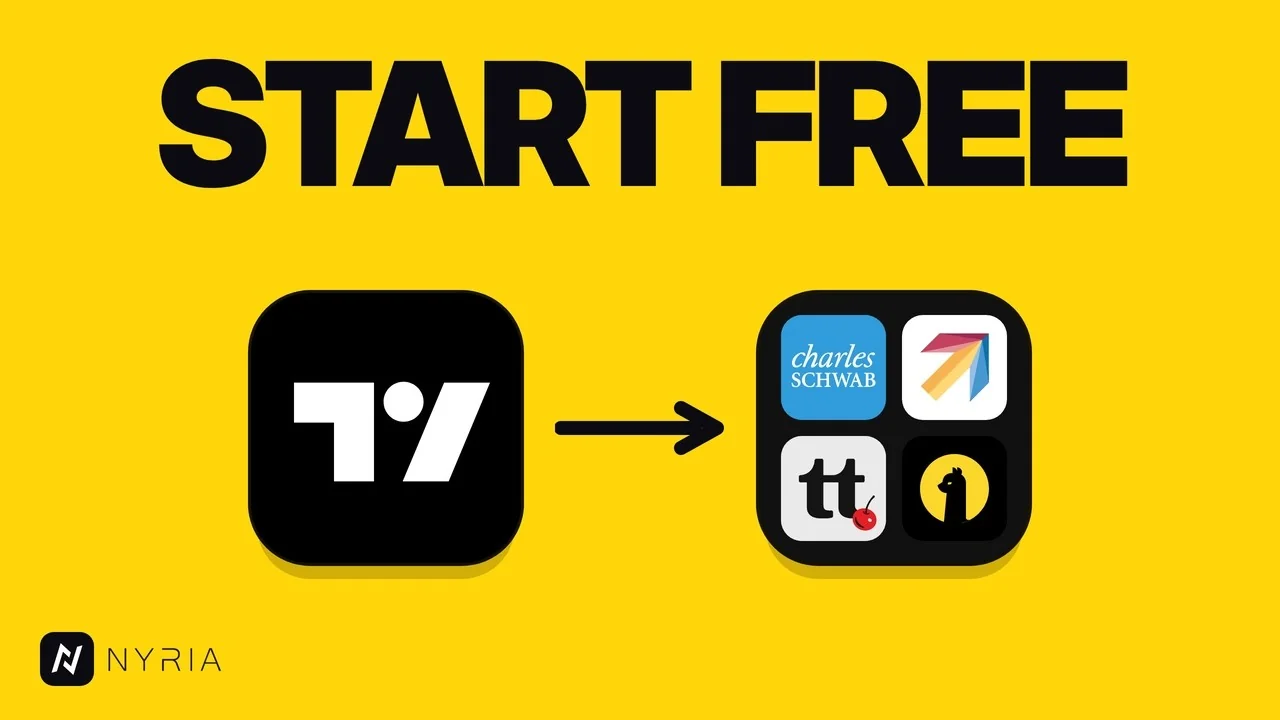
Steps in the video
- 0:00Pick Nyria Paper or a broker. Open Integrations. Nyria Paper is free and needs no broker, so start there. Charles Schwab, Tradier and tastytrade connect through their own sign-in, and Alpaca takes an API key.
- 0:58Create a strategy. Select Create strategy and name it. Then, select your alert source. This example uses TradingView. Pick stocks and a ticker, then create the draft.
- 1:28Create the alert in TradingView. Copy the webhook URL and the alert message from the Integration tab. In TradingView, select Message, paste the message and select Apply. Then select Notifications, tick Webhook URL, paste the URL and select Apply.
- 3:13Check the format. Select Check format and add an entry and an exit alert. Nyria shows the ticker, side and order it read.
- 3:32Deploy a bot. Select Deploy bot, set a budget per entry and pick an account. Nyria Paper is free, so test there first. On a live broker account, pick it on the Account step. Send a sample alert and watch the paper order fill.
What's free
- Free: Nyria Paper, up to 10 paper bots, stocks, options and crypto, with no card and no time limit.
- Free: the alert tester and the alert builder.
- Paid at TradingView: the plan that sends webhooks. Check TradingView's pricing page for which plans include them.
- Paid at Nyria: live trading at Charles Schwab, Alpaca, tastytrade or Tradier, from $15 a month.
Start without a TradingView plan
- Post the call in a Discord server or Telegram chat you run, and Nyria reads it on paper.
- Paper fills use the live quote and never slip, so a live account can fill at a worse price.
Questions
- Does the free TradingView plan send webhooks?
- No. TradingView sends webhooks on its paid plans only, and the account needs two-factor sign-in on.
- Is Nyria Paper really free?
- Yes. It is built in, needs no card, has no time limit and runs up to 10 paper bots.
- When do I start paying Nyria?
- When you deploy a bot on a live broker account. That is from $15 a month.
Next
- Paste an alert into the alert tester to see how Nyria reads it.
- Write a TradingView message with the alert builder.
- Step by step for one account: how to automate TradingView to Nyria Paper.
- Step by step for one account: how to automate Discord to Nyria Paper.
Guides
How do I automate TradingView alerts to my broker?
The alert, the webhook URL, the message, a paper test, then live.
Read guideForward test a TradingView strategy free
Up to 10 paper bots, simulated fills, live market data.
Read guideBroker sandbox vs paper trading
What Nyria Paper, Tradier's sandbox and Alpaca paper each prove.
Read guideHow do I move a paper trading bot to live trading?
Go live starts a new live bot with your paper settings. Same webhook URL.
Read guideTry a paper bot first
No card required. Paper is free. Live trading from $15 a month.